Service Area Business Listings: How to Show the ZIP Codes You Actually Serve
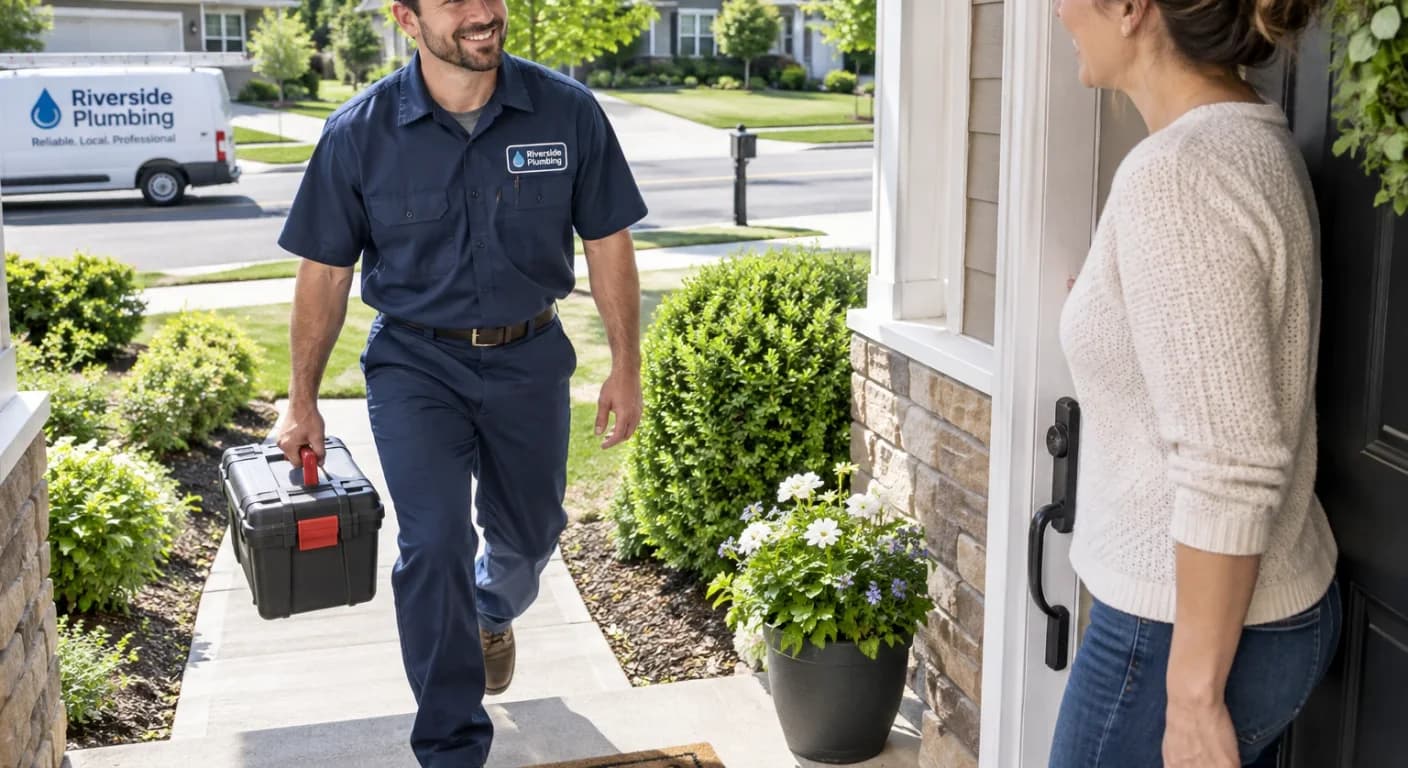
If you are a plumber, a house cleaner, a mover or a landscaper, your customers do not come to you. You go to them. That changes what a good listing looks like, because the question a customer is asking is not "where is your office?" It is "do you work in my area?"
Storefront or service area business?
A storefront business gets customers who walk in: a restaurant, a salon, a shop. Its address matters a lot.
A service area business travels: a roofer, an electrician, a mobile groomer, a locksmith. Its address matters much less than the list of places it actually serves. Many are run from a home or a small office that customers never visit.
Many businesses are a mix of both, and that is fine. The point is to describe yours honestly.
Your address and your service area do different jobs
On EZZlisting these are two separate things, and it helps to know how:
- Your business address decides where you appear in business search. A business shows up when a customer searches near a ZIP code and your own address falls within the distance they picked.
- Your services' ZIP codes and cities decide where you appear on the Local Services board. There is no distance involved here. A service covers exactly the ZIP codes and cities you list, or the whole country if you serve everywhere.
So an office in one town can still appear for someone searching from a town twenty miles away, as long as the service lists that area. A matching result says "Service available in your area," and each service page has a box where visitors can check their own ZIP code.
How to set up your service areas
- Add each service you offer. Do not rely on one catch-all service. "Drain cleaning" and "Water heater installation" each deserve their own entry and description. A free listing includes up to three services, and VIP raises that to five.
- Add the ZIP codes or cities you cover, per service. Adding a city includes all of its ZIP codes, which is faster than typing them one by one.
- Only list places you really serve. A customer who checks their ZIP and sees a match expects you to show up. A long list of places you will never drive to produces calls you turn down and reviews you do not want.
- Use nationwide only when it is true. It suits remote work or products you ship anywhere, not a local trade.
Keep your home address private
If customers never visit you, there is no reason to publish your street. On EZZlisting you can hide your address, and the listing still shows your city and state so people know roughly where you are. You can hide your phone number too, though most service businesses want it visible, since the phone is how a job starts.
How big should your area be?
Start with the area you can reach quickly and profitably, typically the towns within 15 to 25 minutes of where you start your day. It is easier to widen a list later than to apologize for one that was too ambitious. If you are not sure, look at where your last twenty jobs were and list those ZIP codes first.
Write for the places you serve
Customers searching for a service want to know you are local. Mention the neighborhoods and towns you work in, naturally, in your description and service write-ups, and keep your business name, address and phone consistent everywhere. Our guide to listing your services online goes deeper on writing each one.
Not listed yet? Create your free listing and add your services and ZIP codes in the same sitting.
Get found by local customers — and earn a free backlink to your site.